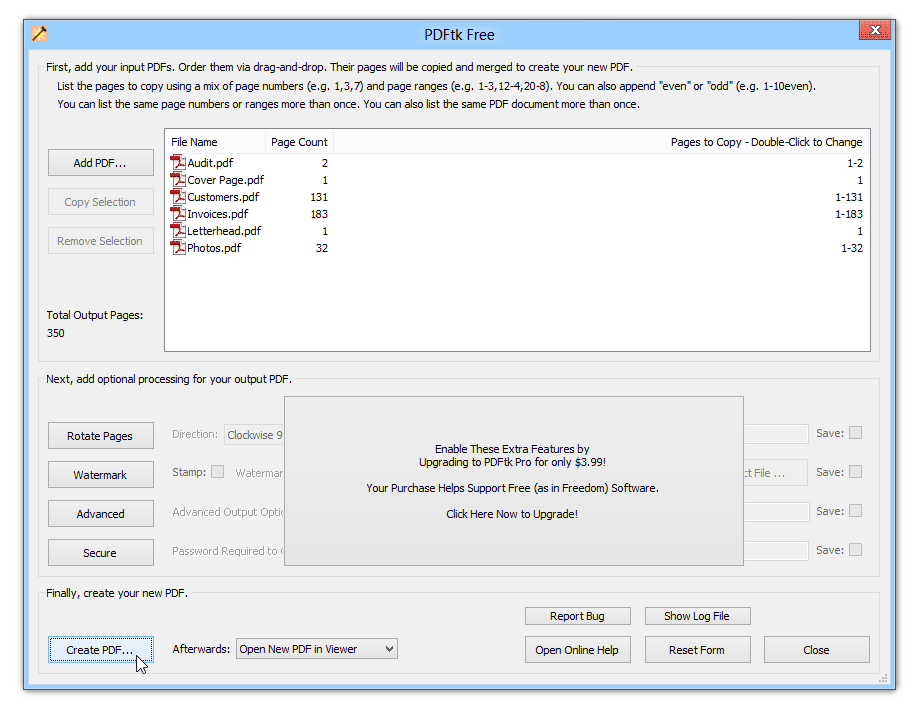
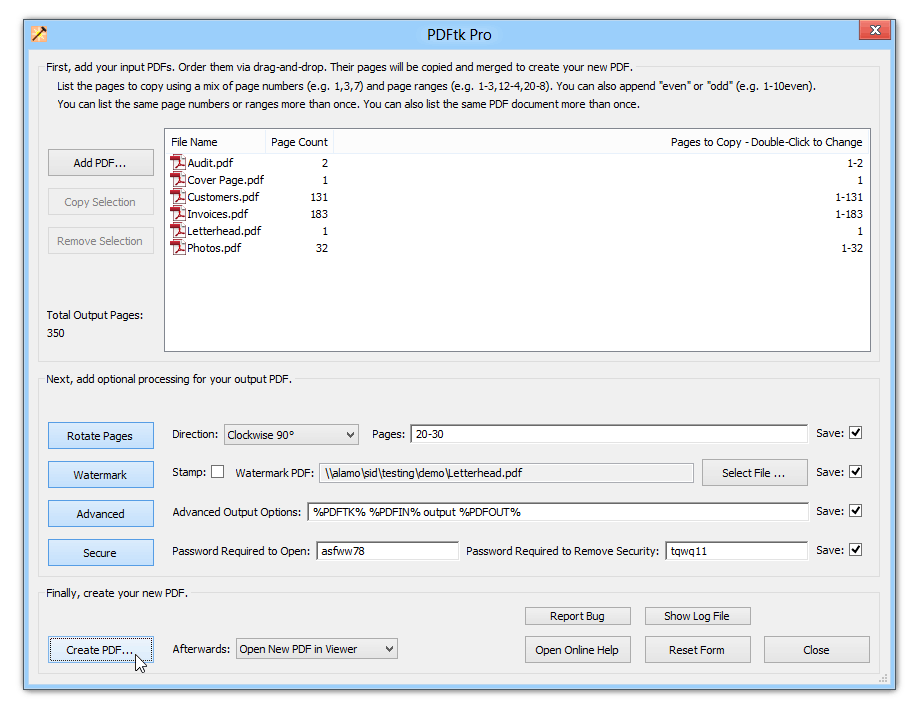
PDFtk Server is our command-line tool for working with PDFs. It is commonly used for client-side scripting or server-side processing of PDFs. It is also used by OEMs and ISVs to give their products the ability to manipulate PDFs. A commercial license is required to distribute PDFtk with your commercial product.
PDFtk Server can:
Merge PDF Documents or Collate PDF Page Scans
Split PDF Pages into a New Document
Rotate PDF Documents or Pages
Decrypt Input as Necessary (Password Required)
Encrypt Output as Desired
Fill PDF Forms with X/FDF Data and/or Flatten Forms
Generate FDF Data Stencils from PDF Forms
Apply a Background Watermark or a Foreground Stamp
Report PDF Metrics, Bookmarks and Metadata
Add/Update PDF Bookmarks or Metadata
Attach Files to PDF Pages or the PDF Document
Unpack PDF Attachments
Burst a PDF Document into Single Pages
Uncompress and Re-Compress Page Streams
Repair Corrupted PDF (Where Possible)
PDFtk Server does not require Adobe Acrobat or Reader, and it runs on Windows, Mac OS X and Linux.
We provide installers for Windows and Mac. Many Linux distributions provide a PDFtk package you can download and install using their package manager.
Click to download the PDFtk Server installer for Windows:
pdftk_server-2.01-win-setup.exe
After installation, open a command-prompt, type pdftk and press Enter. Pdftk will respond by displaying brief usage information.
If you prefer to install PDFtk Server by hand, you can download a zip archive of its files here.
Click to download PDFtk Server for the Mac:
pdftk_server-2.01-mac_osx-10.6-setup.pkg
After installation, open a Terminal, type pdftk and press Return. Pdftk will respond by displaying brief usage information. Access pdftk documenation by running man pdftk.
This installer creates a directory on you Mac: /opt/pdflabs/pdftk/. This will contain a bin directory which holds the pdftk program and a docs directory which holds the complete PDFtk manual.
PDFtk’s features are fully documented on its man page. We also offer some command-line examples.
You can compile PDFtk Server from its source code. PDFtk Server is known to compile and run on Debian, Ubuntu Linux, FreeBSD, Slackware Linux, SuSE and Solaris.
Download and unpack: pdftk-2.01-src.zip (~2MB)
Review the pdftk license information in: license_gpl_pdftk/readme.txt.
Review the Makefile provided for your platform and confim that TOOLPATH and VERSUFF suit your installation of gcc/gcj/libgcj. If you run apropos gcc and it returns something like gcc-4.5, then set VERSUFF to -4.5. The TOOLPATH probably doesn’t need set.
Change into the pdftk sub-directory,
run make -f Makefile.Debian (substitute your platform’s Makefile filename)
I have built pdftk using gcc/gcj/libgcj versions 3.4.5, 4.4.1, 4.5.0 and 4.6.3. Pdftk 1.4x fails to build on gcc 3.3.5 due to missing libgcj features. If you are using gcc 3.3 or older, try building pdftk 1.12 instead.
Our mission is to make PDF easier to use.
PDF Labs is operated by Sid Steward, author of PDF Hacks (O’Reilly) and the popular PDF Toolkit.
Please contact Sid Steward by email. Include PDF Labs in the subject to ensure prompt delivery:
"If you like pdftk, then you’ll appreciate the other 25 programs and scripts I created for my book, PDF Hacks." –Sid
Copyright © 2004–2013 Sid Steward